
 Svenska
 Dansk
Dansk
 Suomi
Suomi
 Español
 Deutsch
 Français
 Italiano
 Nederlands
 Polskie
 Norsk
Norsk
Cart
Your cart is empty, but doesn't have to be..
Discount: 0.00 SEK
Digital Skipper |2/09, 2024
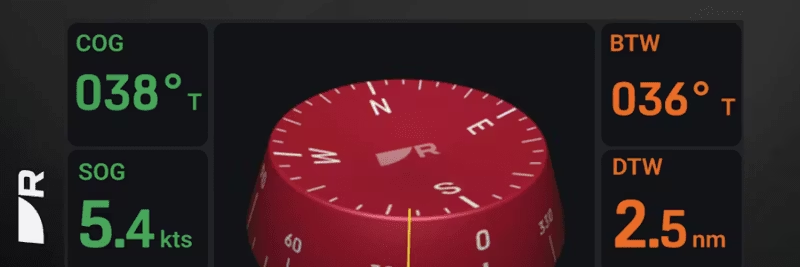
Heading is the angle indicating the vessel's orientation relative to true or magnetic north – in short, the direction the vessel is pointing. This assumes that the magnetic heading sensor is correctly calibrated and adjusted.
Course Over Ground (COG) is the angle indicating the actual direction the vessel is moving over the earth's surface relative to north. For COG to be valid, the vessel must be in motion. When stationary, an invalid COG reading is displayed. The difference between heading and COG depends on speed, current, and wind. The higher the speed, the less impact of drift – slow vessels show greater differences.
Configure your Multifunction Display (MFD) to show "Heading" in the Databar, Databox, or Data application. If the value is "---", a heading data source is missing, e.g., autopilot.
Many incorrectly assume that Course-Up is correct for displaying the vessel's direction of movement. Head-Up is most often used in pilot navigation to show objects relative to the course. Course-Up is used in navigation functions such as Go To Waypoint or Follow Route. In Course-Up, the map is oriented towards the navigation course line, which does not always correspond to COG or heading.
For correct vessel icon when stationary and for functions such as MARPA, radar overlay, and heading vectors, heading data with at least 10 Hz is recommended. This is important for:
If the heading is incorrect or the vessel icon appears to be crabbing, calibrate the heading sensor for deviation and adjust the compass. Check that there are no magnetic interferences within 1 meter. Common heading sources are autopilot, ST60+ instrument compass, Pathfinder Smart Heading System, and NMEA compasses.
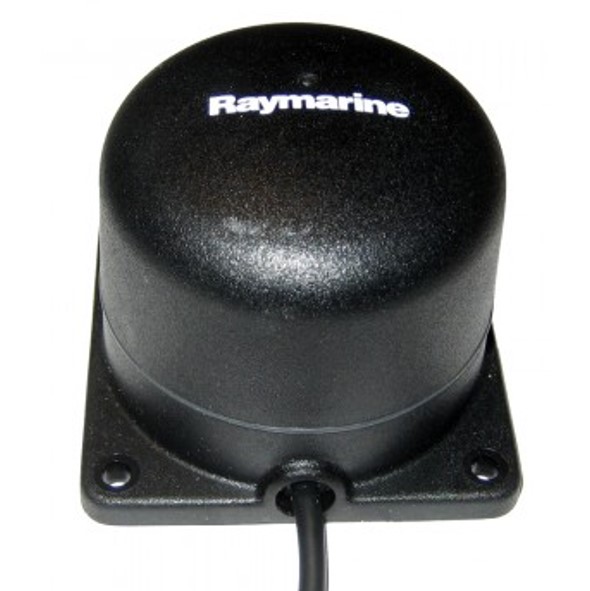
Fluxgate compass for SPX and Smart Pilots:
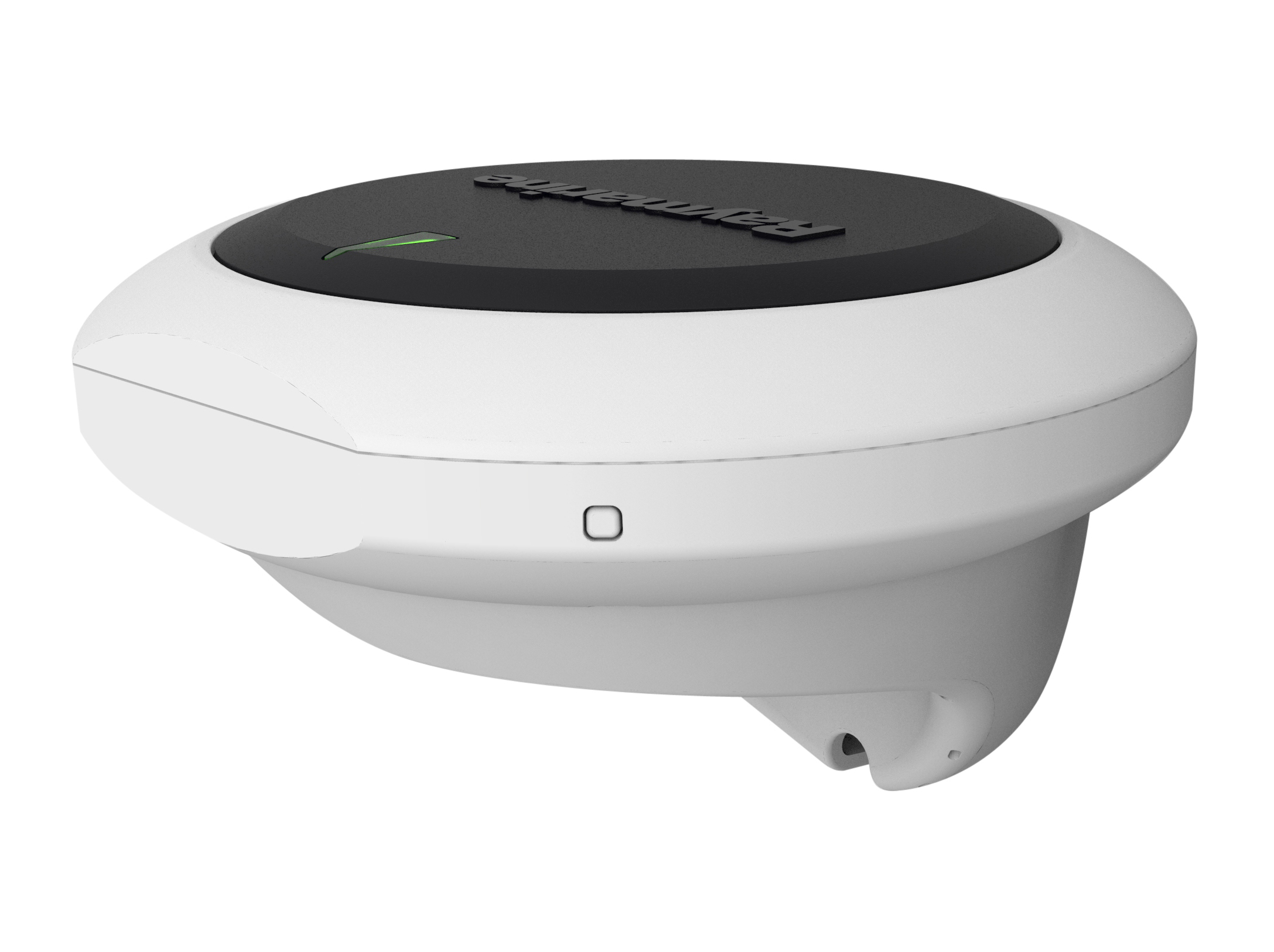
EV-1/EV-2 heading sensor for Evolution pilots:
Tip: For best navigation performance – connect a correctly calibrated heading sensor and regularly check for deviations.