Svenska
 Dansk
Dansk
 Suomi
Suomi
 Español
 Deutsch
 Français
 Italiano
 Nederlands
 Polskie
 Norsk
Norsk
Cart
Your cart is empty, but doesn't have to be..
Discount: 0.00 DKK
Digital Skipper |1/05, 2024
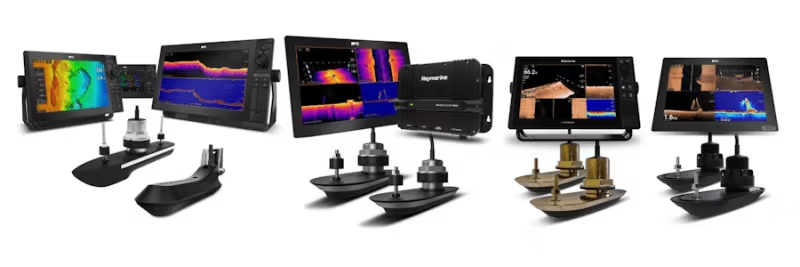
This FAQ is part of our new series for troubleshooting SONAR systems. Here you will find detailed guides to investigate and resolve common SONAR issues, including interference and settings. Whether you are using an RV, RVM, or AIRMAR CHIRP SONAR system, we offer step-by-step instructions to ensure optimal performance. Do you need help with installation or testing? Then this is the right place.
PART 1 – SONAR ERROR: No Transducer Connected
PART 2 – Introduction to SONAR Interference
PART 3 – SONAR Interference Investigation – Manual Setup
PART 4 – SONAR Setup & Test: When SONAR is not affected by interference
PART 5 – SONAR Setup & Test: When SONAR is affected by interference
PART 6 – RV and RVM Transducer Sense Resistor Test
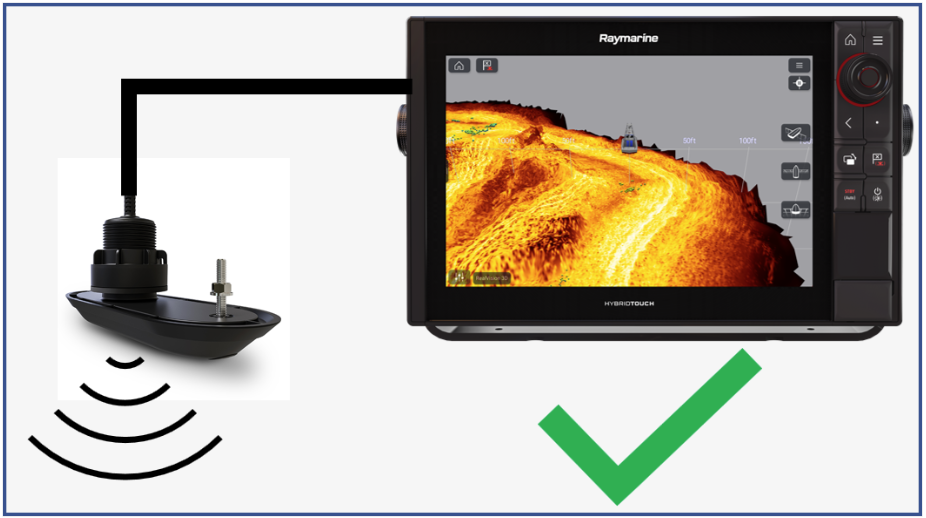
Apart from occasional instances where SONAR does not function as intended, such as during bottom lock reacquisition (often software-related), our hardware and signal processing perform very well and provide clear returns.
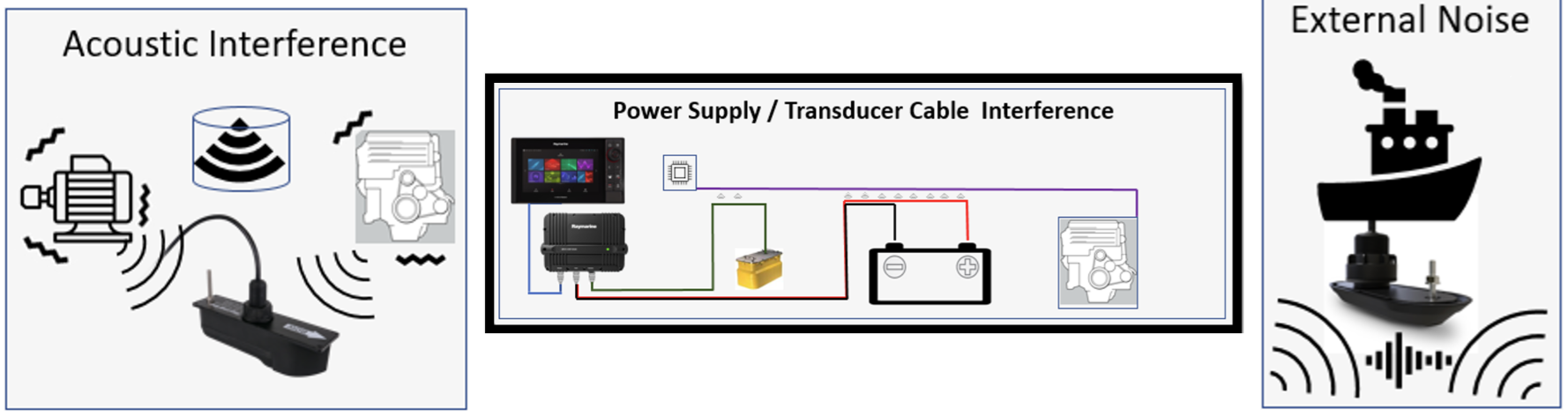
Any performance issues with SONAR are usually due to external factors, not the echosounder or transducer. Common causes include:
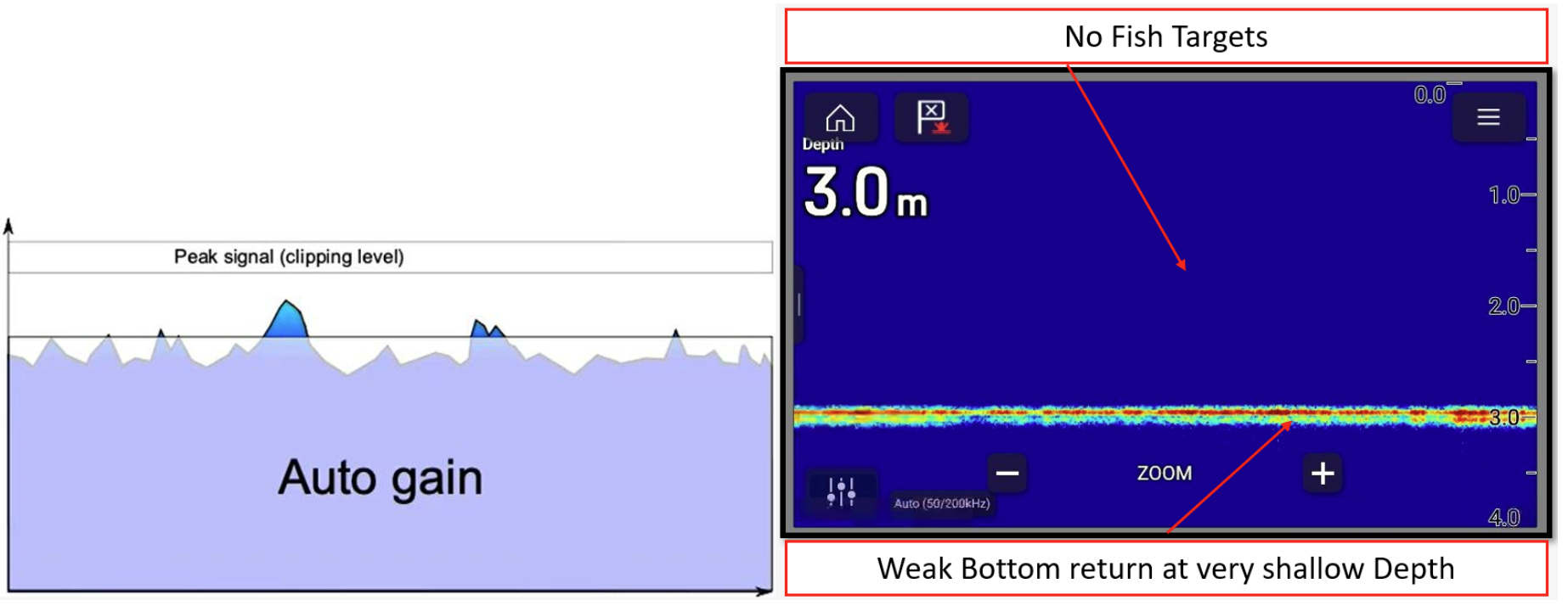
It doesn't matter how good the bottom signal is – it's the signal-to-noise ratio that determines. Below is an example where high signal return is masked by high noise in automatic mode, resulting in a weak bottom image and no fish targets.
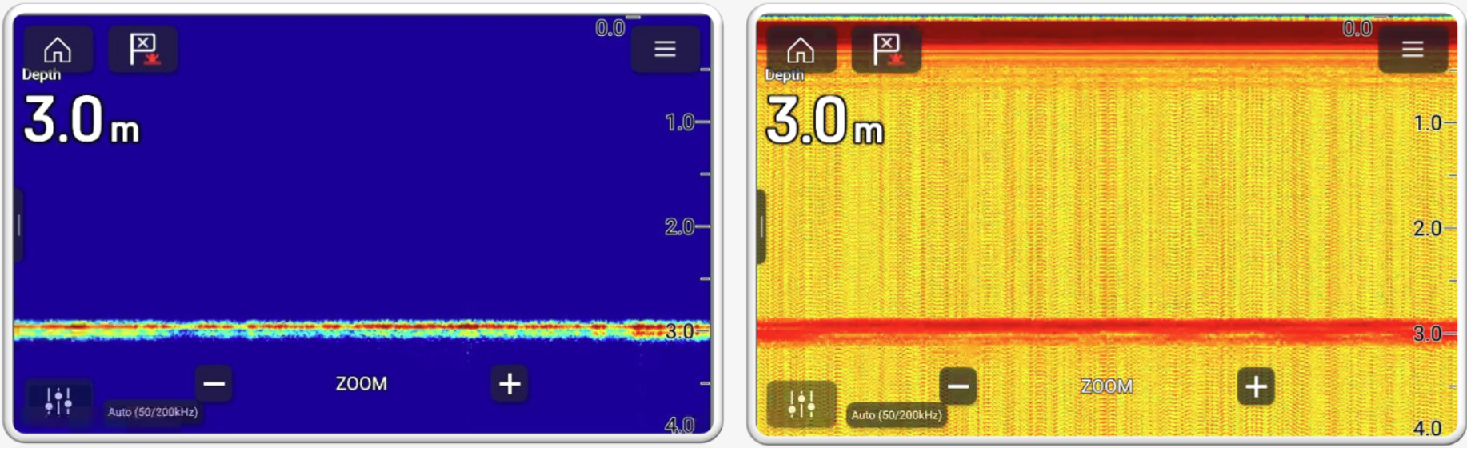
Automatic sensitivity works well in most cases, but can hide interference. Compare the images below: the left shows AUTO mode without noise, the right shows manual mode where background noise is visible.
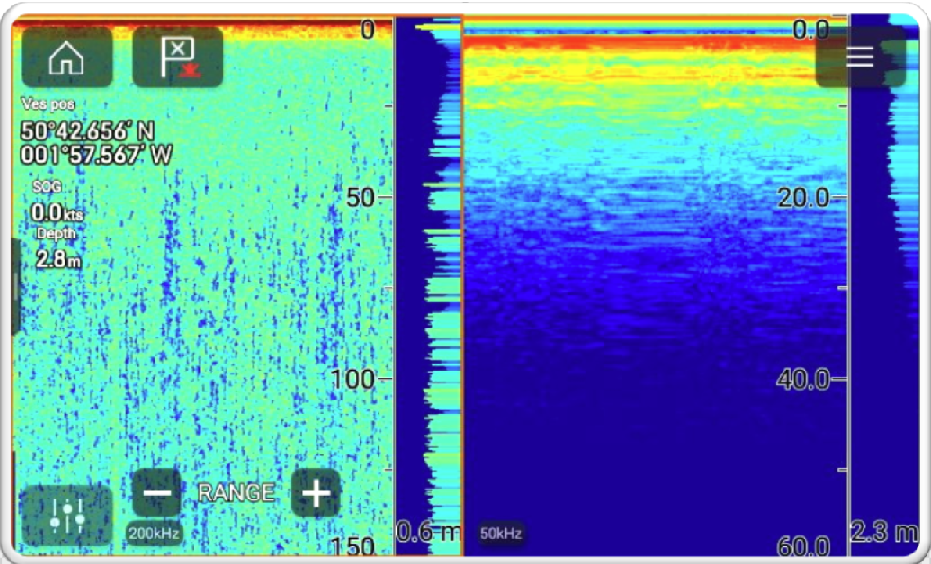
By setting the range manually, you can identify interference. If the depth is 10 m, you should not see returns at 100 m – everything shown there is interference. Example: On a CP370 system, the depth was 2.8 m but the screen showed interference down to 150 m at 200 kHz.