Svenska
 Dansk
Dansk
 Suomi
Suomi
 Español
 Deutsch
 Français
 Italiano
 Nederlands
 Polskie
 Norsk
Norsk
Cart
Your cart is empty, but doesn't have to be..
Discount: 0.00 EUR
Digital Skipper |11/06, 2024
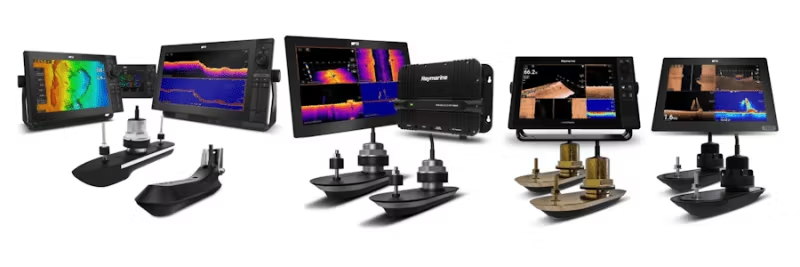
This FAQ is part of our series for SONAR system troubleshooting. Here you will find detailed guides to investigate and resolve common issues with Raymarine SONAR, including interference, settings, and optimization. Whether you are using an RV, RVM, or AIRMAR CHIRP SONAR system, we offer step-by-step instructions to ensure the best performance. Do you need help with installation or testing? Follow our guides below.
PART 1 – SONAR ERROR: No Transducer Connected
PART 2 – Introduction to SONAR Interference
PART 3 – SONAR Interference Investigation – Manual Setup
PART 4 – SONAR Setup & Test: When SONAR is not affected by interference
PART 5 – SONAR Setup & Test: When SONAR is affected by interference
PART 6 – RV and RVM Transducer Sense Resistor Test
Important before you start – Update your AXIOM
Before proceeding with troubleshooting and setting up your system, ensure your Raymarine AXIOM has the latest software. Update via Wi-Fi or microSD card. Check the latest version here: Raymarine Software Updates

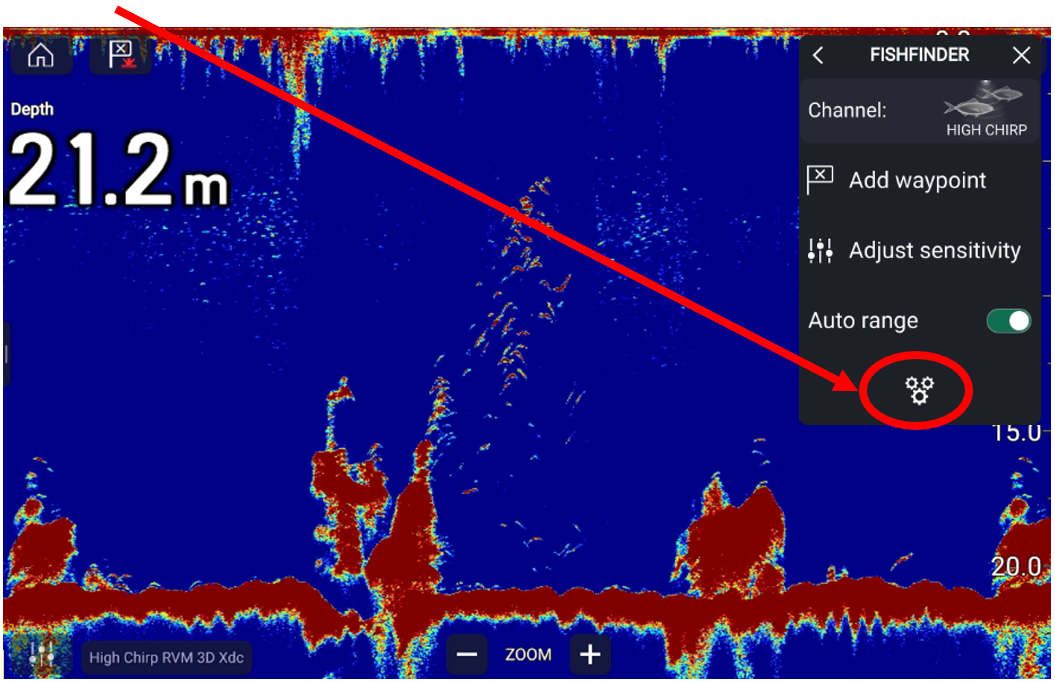
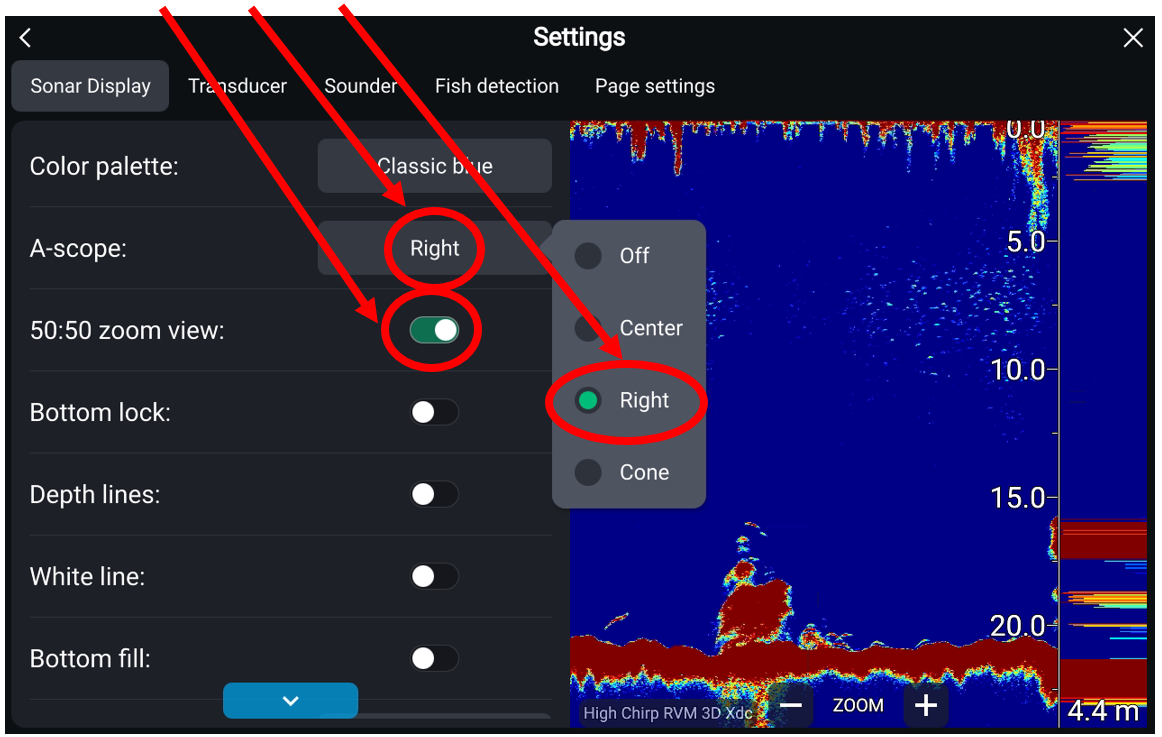

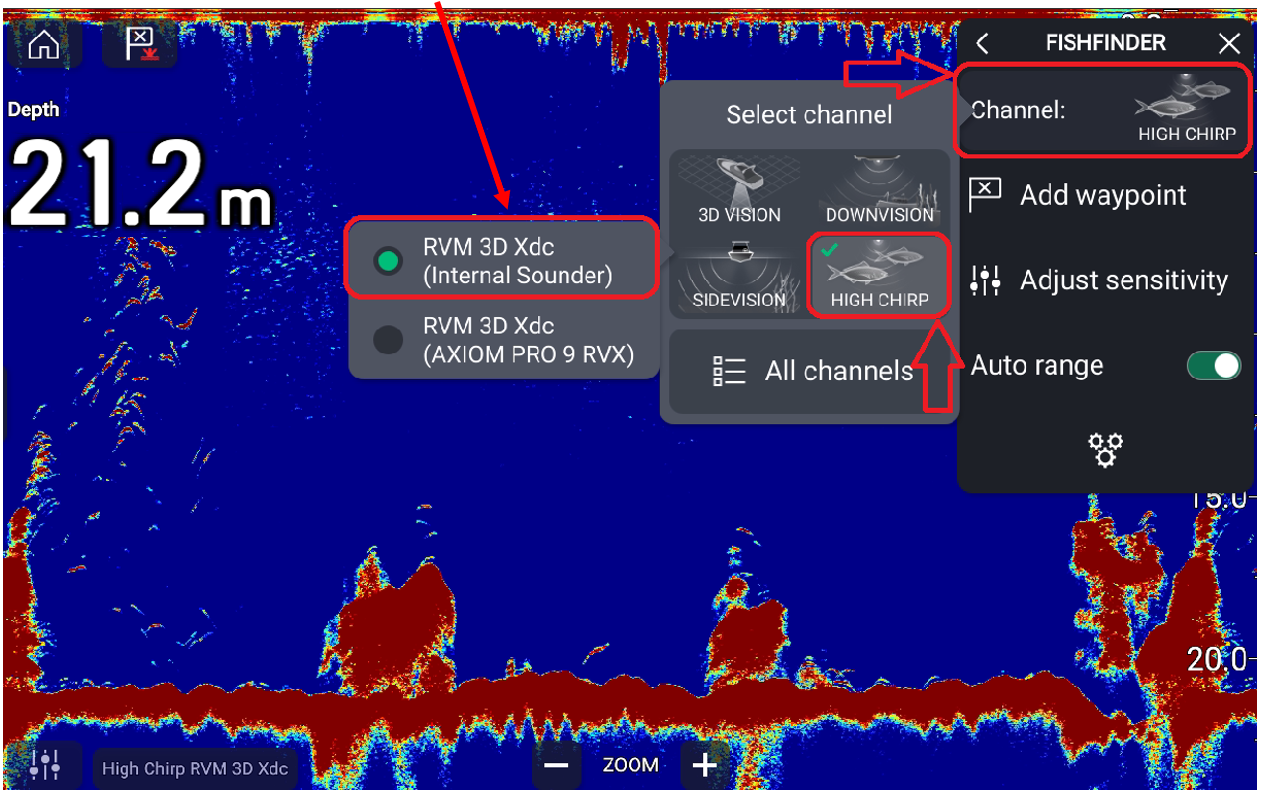

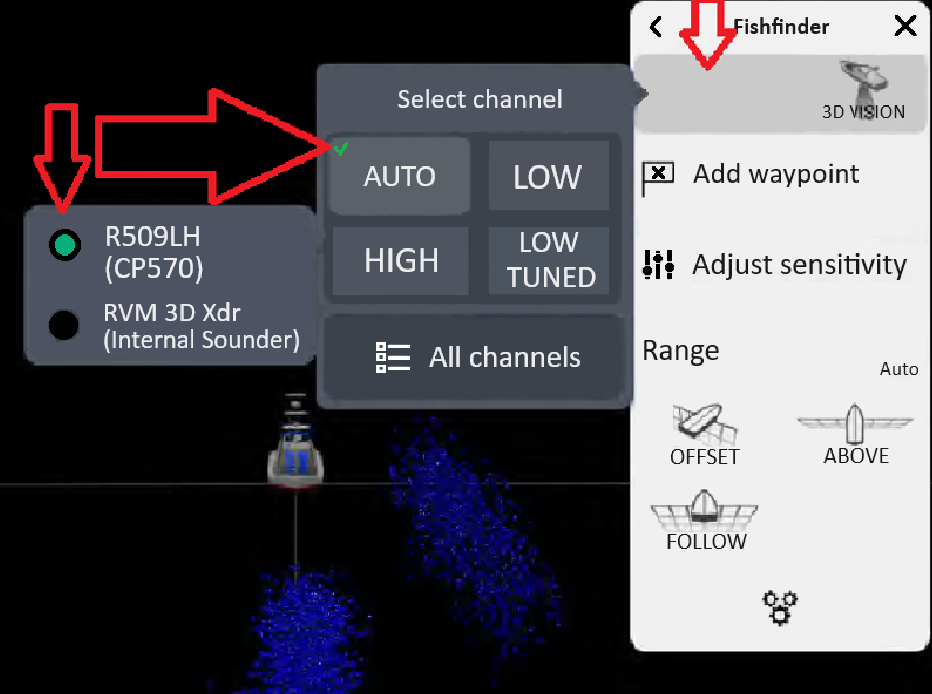
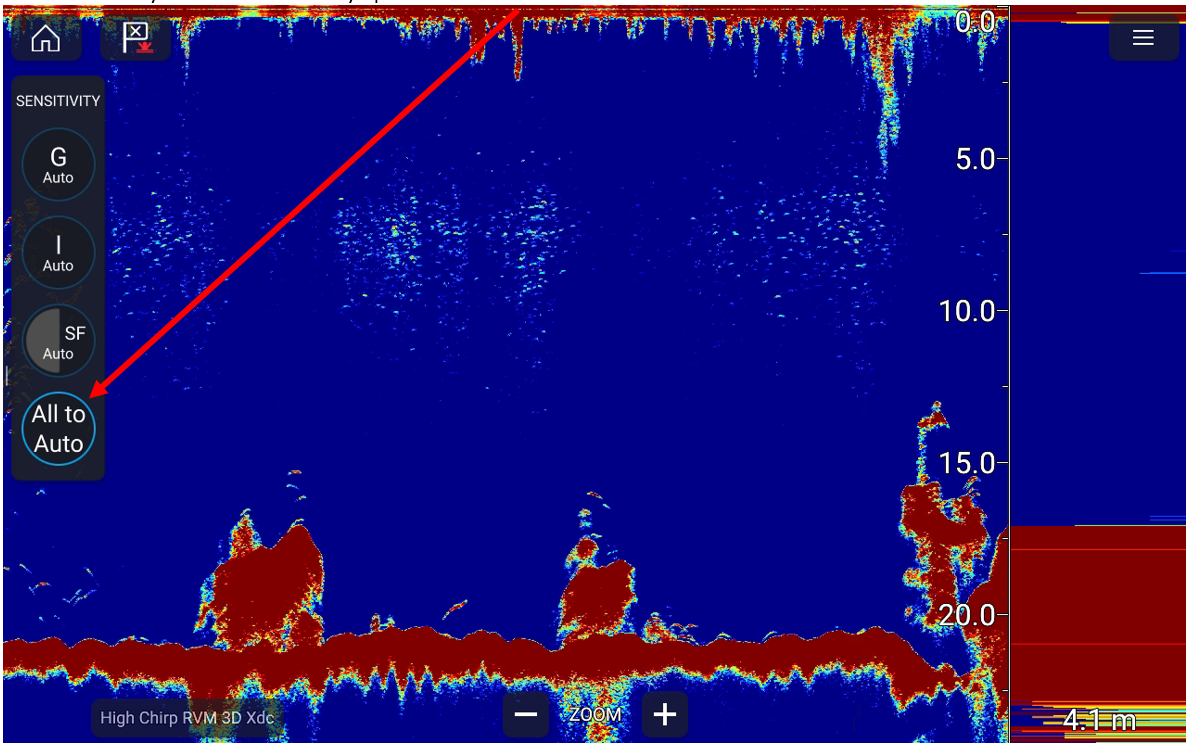

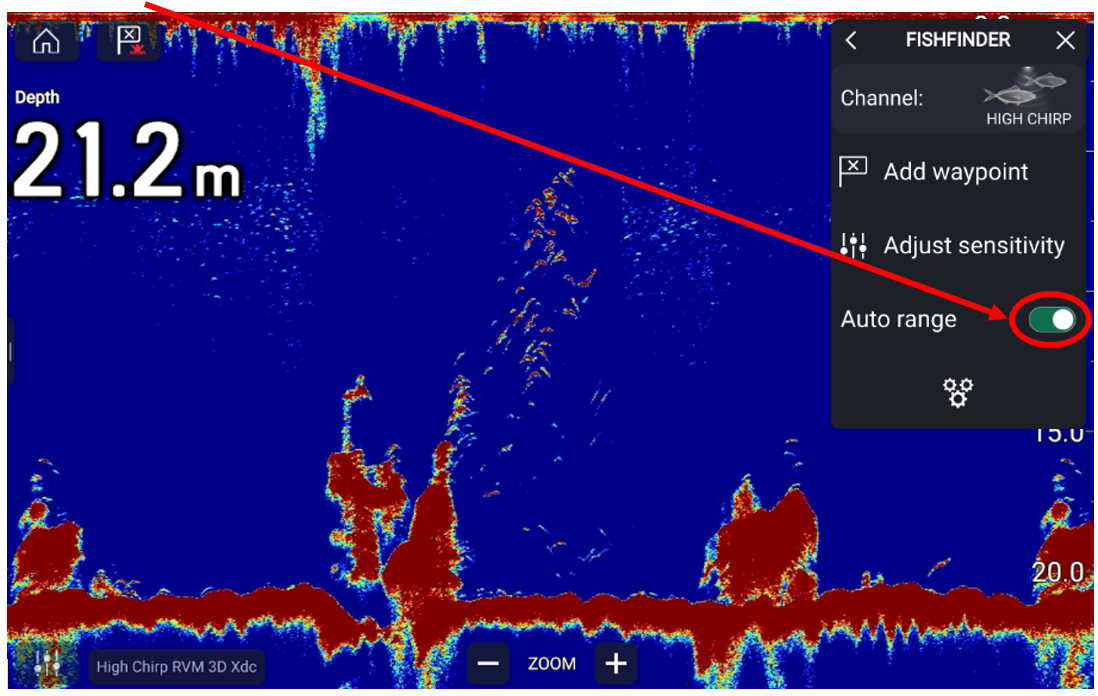

After setup, your SONAR screen should show zoomed sections on the left, the main screen in the middle, and A-Scope on the right.