
 Svenska
 Dansk
Dansk
 Suomi
Suomi
 Español
 Deutsch
 Français
 Italiano
 Nederlands
 Polskie
 Norsk
Norsk
Cart
Your cart is empty, but doesn't have to be..
Discount: 0.00 NOK
Digital Skipper |7/03, 2024
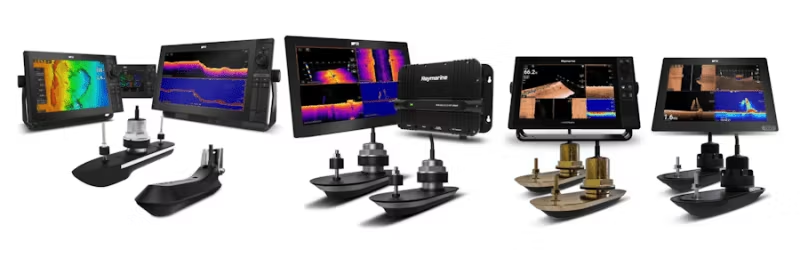
This FAQ is part of our new series for troubleshooting SONAR systems. Here you will find detailed guides for investigating and solving common problems, including interference and settings. Whether you use an RV, RVM, or AIRMAR CHIRP SONAR system, we offer step-by-step instructions to ensure optimal performance. Do you need help with installation or testing? Then this is the right place.
PART 1 – SONAR ERROR: No transducer connected
PART 2 – Introduction to SONAR Interference
PART 3 – SONAR Interference Investigation – Manual Setting
PART 4 – SONAR Setting & Test: When SONAR is not affected by interference
PART 5 – SONAR Setting & Test: When SONAR is affected by interference
PART 6 – RV and RVM Transducer Sense Resistor Test
NOTE: If you are not familiar with these systems, contact Product Support or an authorized Raymarine dealer for help with setup and testing.

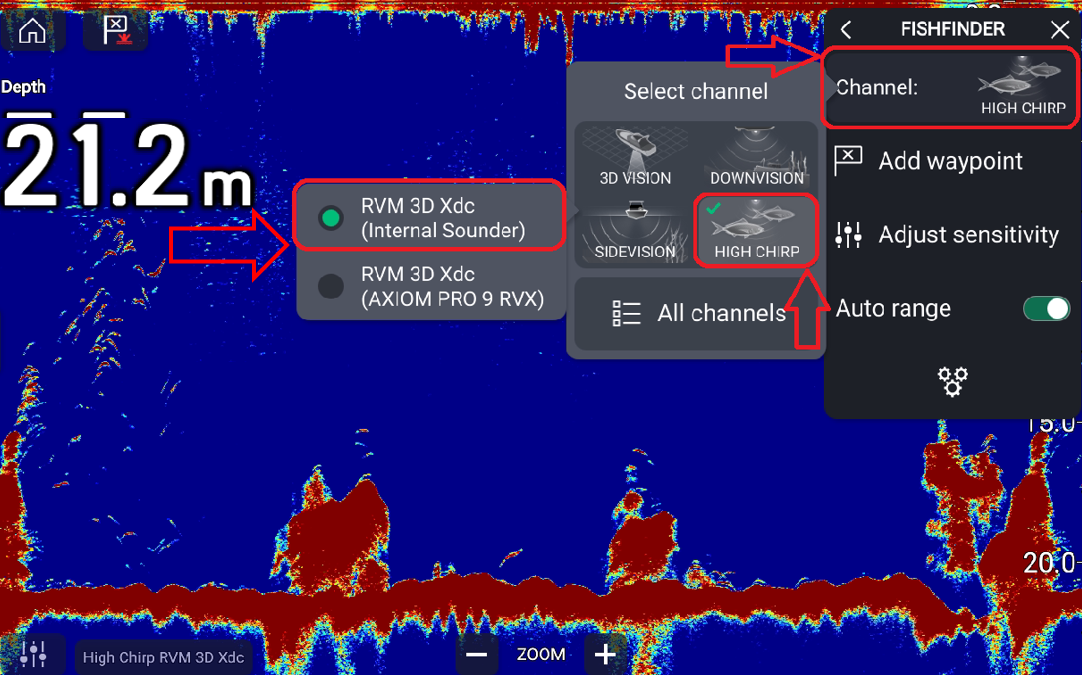
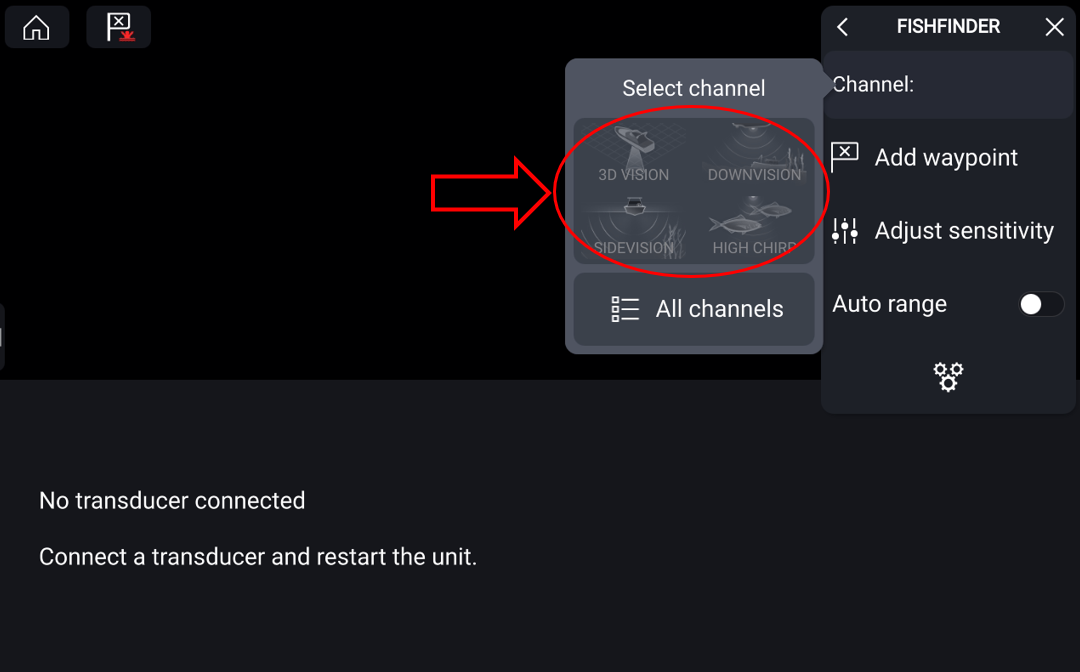
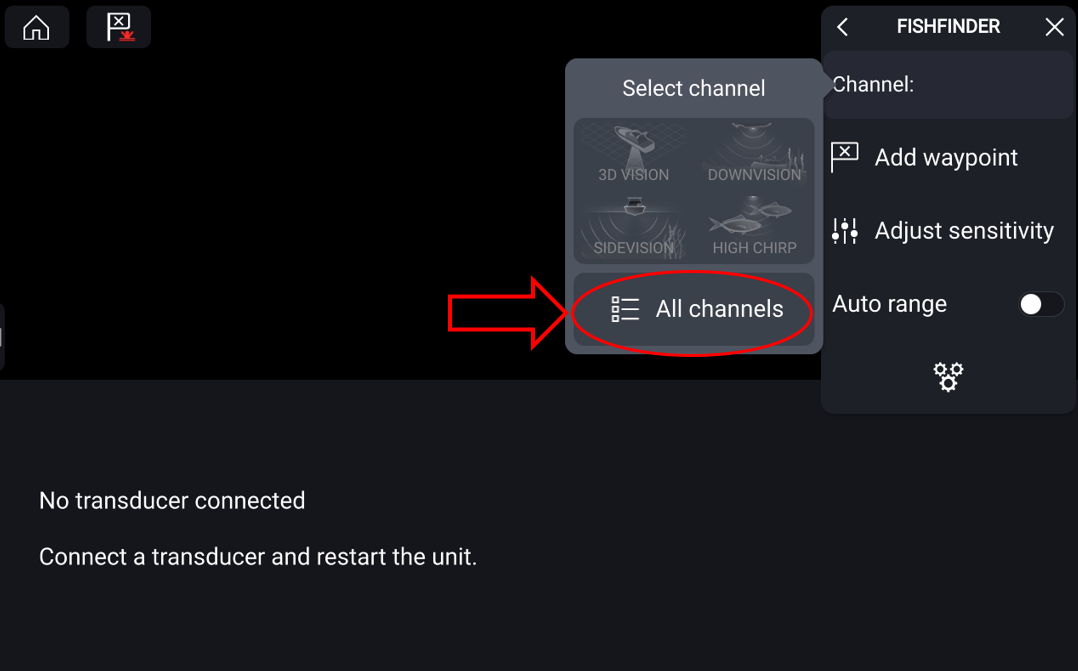
Example: Internal SONAR on AXIOM PRO 9 RVX and AXIOM 2 PRO RVM – no transducer detected.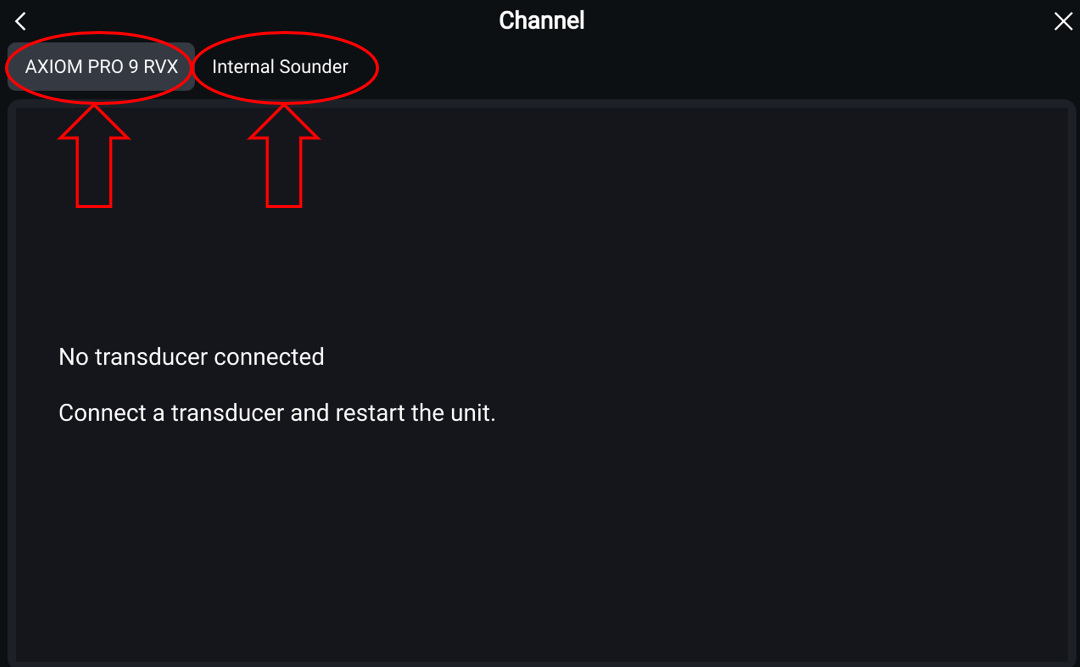
Ensure all connections are correct and free from damage. If the error is intermittent, go to STEP 5.
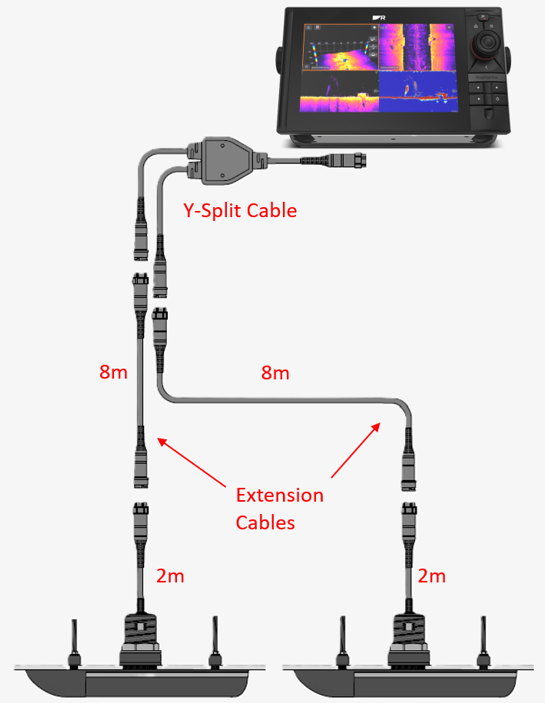
Ensure AXIOM has Lighthouse 4.5.84 or later. Download the latest version here.
NOTE: Do not restore saved settings until the system is functioning normally.
Follow our guide for RV/RVM sense resistor test: Create a support ticket here.
If the resistance is correct but the error persists, test with a new transducer (via dealer). Do not install – just plug in and test in water.
If the problem persists after all steps, the AXIOM is likely suffering from a hardware fault. Contact Raymarine service via the support portal.