
 Svenska
 Dansk
Dansk
 Suomi
Suomi
 Español
 Deutsch
 Français
 Italiano
 Nederlands
 Polskie
 Norsk
Norsk
Cart
Your cart is empty, but doesn't have to be..
Discount: 0.00 PLN
Digital Skipper |8/06, 2025

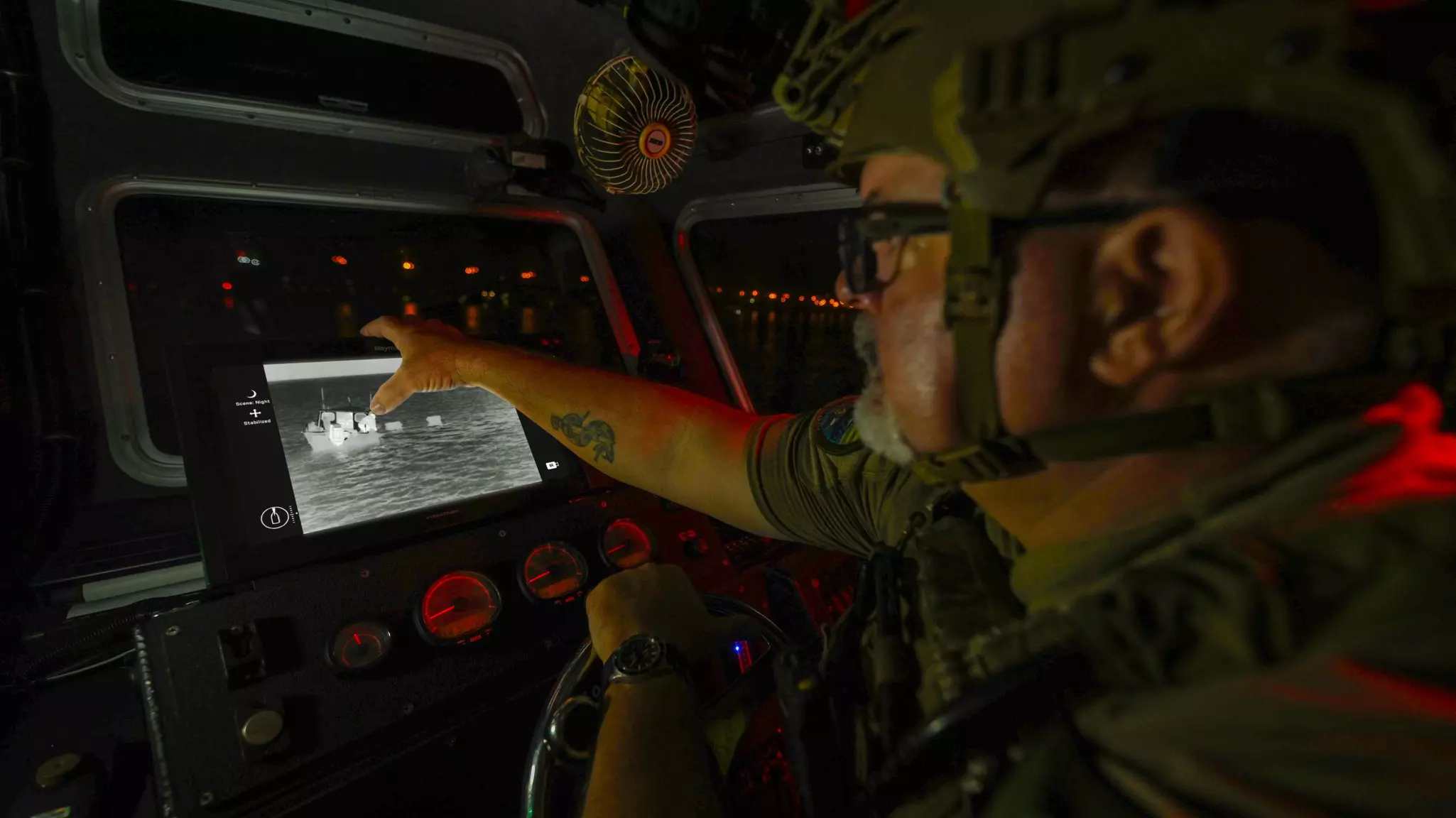
FLIR Marine camera systems enhance safety and improve night vision on all types of vessels – from small recreational boats to large yachts and commercial ships. To get the most out of your camera, it must be connected to a compatible chartplotter or monitor. Fortunately, FLIR Marine cameras integrate seamlessly with leading multifunction displays (MFDs) from manufacturers such as Furuno, Garmin, Raymarine and Simrad .
FLIR cameras do more than display thermal images – they offer precise pan, tilt and zoom control , as well as custom settings for optimal visibility. Each MFD manufacturer has its own interface based on FLIR specifications. For best results, refer to your user manual for detailed operation and integration information.
Most FLIR installations require only two cables:
Modern chartplotters support Video-over-Ethernet , which provides high-quality digital streaming directly from the FLIR camera. This makes it easy to share video between multiple displays on board. FLIR's M200, M300, M400 and M500 series support standard Video-over-Ethernet.
For older chartplotters without Ethernet support, FLIR's M300, M400, and M500 series offer analog video output.
Note: The FLIR M200 does not support analog video. Analog connectivity requires direct wiring and sometimes additional hardware to distribute the signal to multiple displays.
Modern chartplotters feature touchscreen controls, often supplemented by knobs, touchpads and buttons. Integrated FLIR cameras make it possible to:
For added precision , the FLIR JCU-4 joystick is an Ethernet-based controller that provides fast and precise control.
A major benefit of FLIR integration is the ability to display video side-by-side with navigation data, making it easy to identify landmarks, radar targets, and other targets.
With FLIR's Slew-to-Cue feature, the camera can automatically follow radar or plotter data:
In case of MOB alarms, FLIR integrates with the system:
This reduces the load on the helmsman and improves reaction time in critical situations.
Combining a FLIR Marine camera with a modern MFD provides unparalleled safety, navigation and monitoring . Check with your electronics manufacturer for optimal integration and full functionality.