
 Svenska
 Dansk
Dansk
 Suomi
Suomi
 Español
 Deutsch
 Français
 Italiano
 Nederlands
 Polskie
 Norsk
Norsk
Cart
Your cart is empty, but doesn't have to be..
Discount: 0.00 EUR
Digital Skipper |26/01, 2022
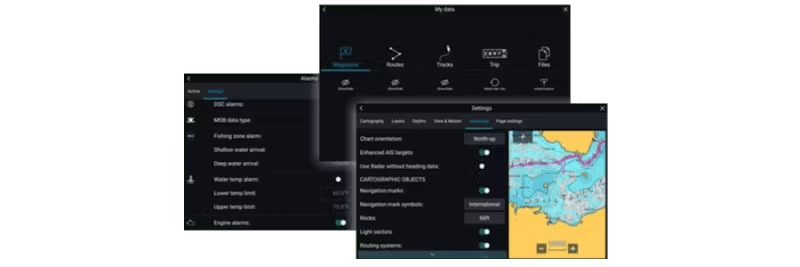
There are many situations where it is important to know how to back up or save log files from your Raymarine Axiom MFD. In this guide, we show you step-by-step how to save:
NOTE! Crash logs and user data are deleted during a "Power on Reset". Always save logs and backups to an SD card before resetting!
Save Crash logs and other log files to an SD card:
Save diagnostic data from Master MFD:
Save user data to an SD card:
To restore: Click "Import from Card"
Save system data (NOTE! Not all MFD settings are saved, note important parameters such as units, sonar settings, radar pairing):
To restore: Click "Import from Card"