
 Svenska
 Dansk
Dansk
 Suomi
Suomi
 Español
 Deutsch
 Français
 Italiano
 Nederlands
 Polskie
 Norsk
Norsk
Cart
Your cart is empty, but doesn't have to be..
Discount: 0.00 EUR
Digital Skipper |2/06, 2024

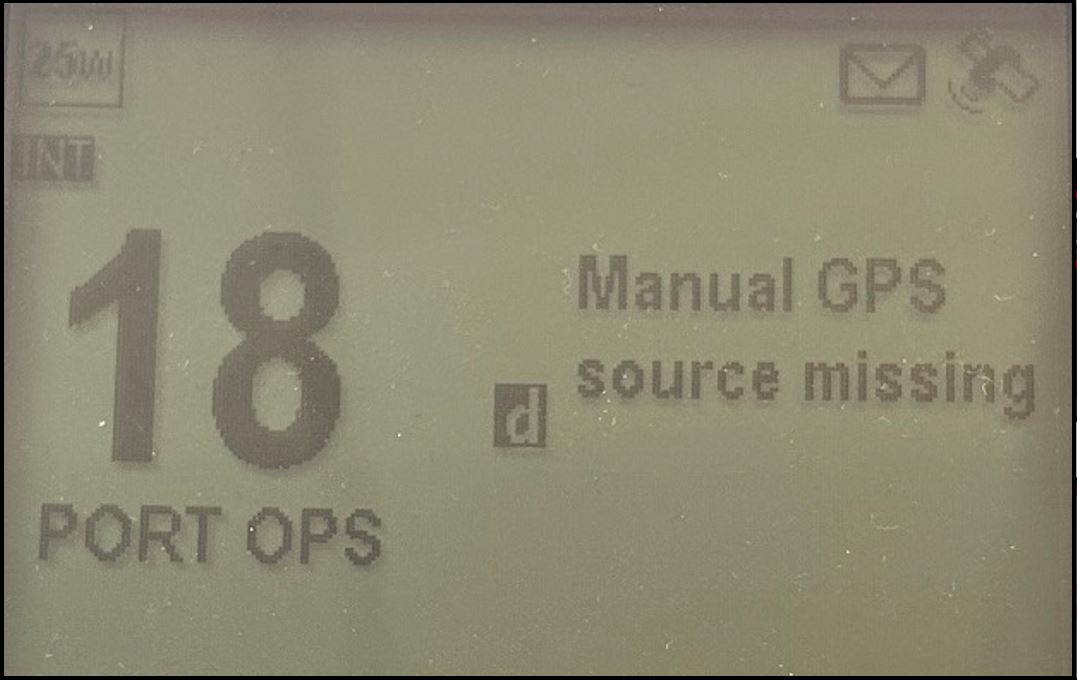
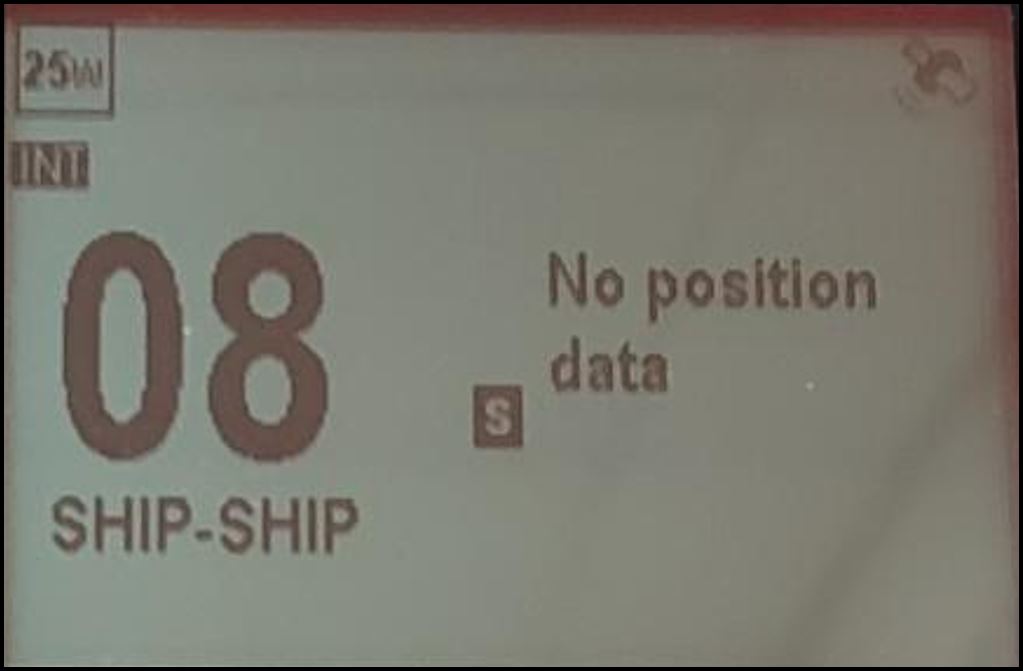
If you see the messages "Manual GPS source missing" or "NO POSITION DATA" on your Raymarine VHF radio (Ray53, Ray63, Ray73, Ray90, Ray91), it is usually because the manual GPS source setting is not correctly configured. This can happen if the multifunction display (MFD) was turned off when the MDS was configured or if the radio is new/repaired and installed after the MDS configuration.
When the GPS source is not correctly set, the VHF radio will not accept GPS information from any other source. It detects that the GPS source is missing and displays the message "MANUAL GPS SOURCE MISSING".
SELECTED GPS SOURCE DATA NOT RECEIVED
NO GPS DATA RECEIVED FROM ANY SOURCE
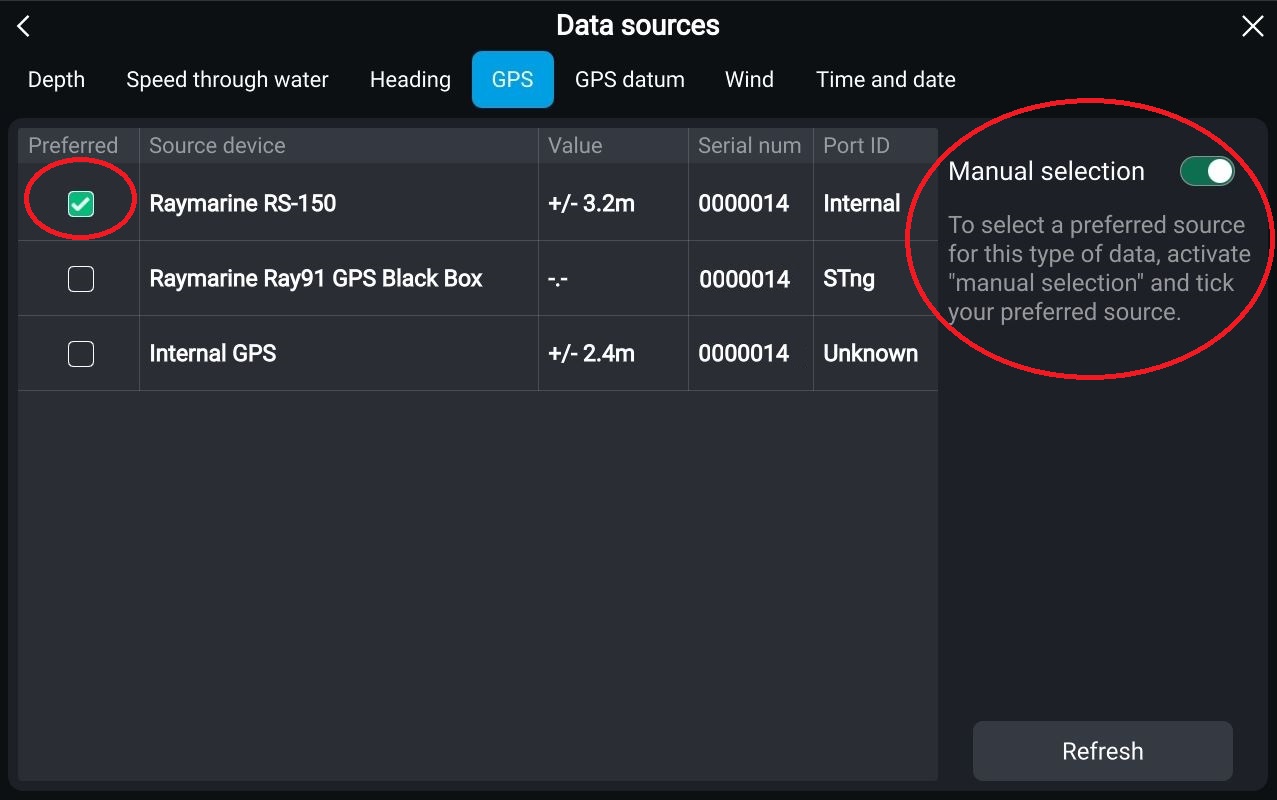
With all products (including VHF radio) connected to the SeaTalkng network and powered on, set the MDS to AUTO or select another reliable GPS source via your multifunction display.
If the problem persists, reset the settings on your VHF radio. See example below:
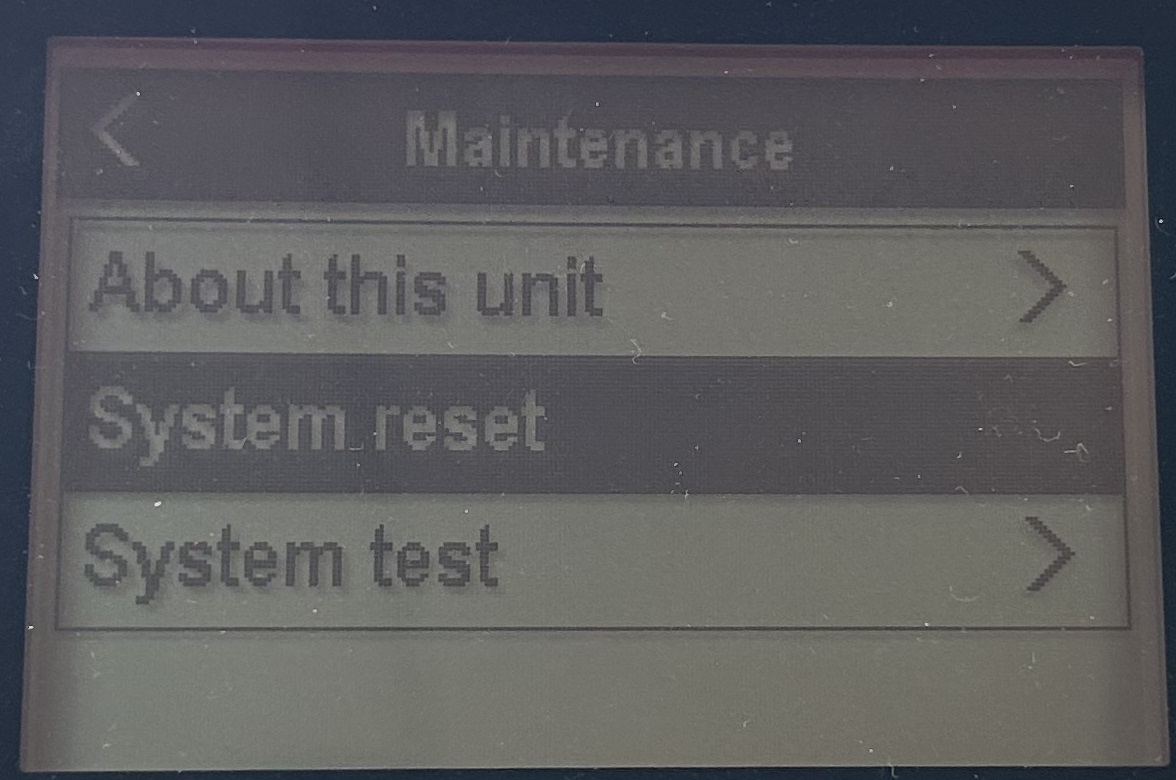

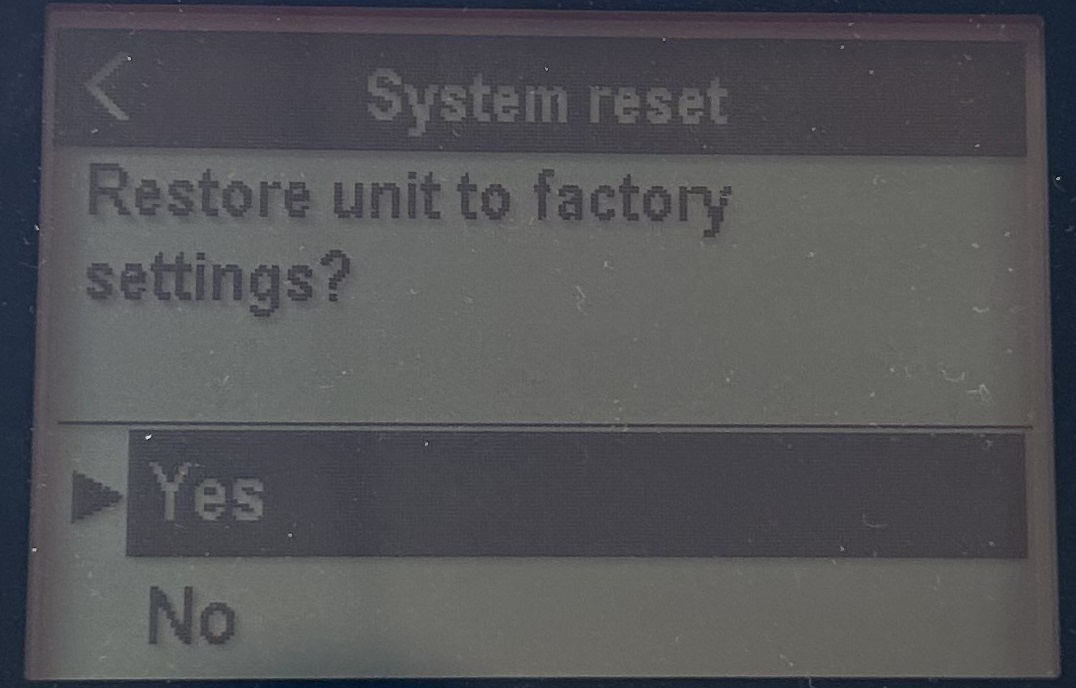
For detailed instructions on how to change the manual GPS source or reset settings, refer to the user manual for your multifunction display or VHF radio. You can find all Raymarine manuals HERE.
Tip: If you have selected a valid GPS source or set AUTO and still do not see GPS data, contact your dealer for support.