Svenska
 Dansk
Dansk
 Suomi
Suomi
 Español
 Deutsch
 Français
 Italiano
 Nederlands
 Polskie
 Norsk
Norsk
Cart
Your cart is empty, but doesn't have to be..
Discount: 0.00 EUR
Digital Skipper |25/01, 2022
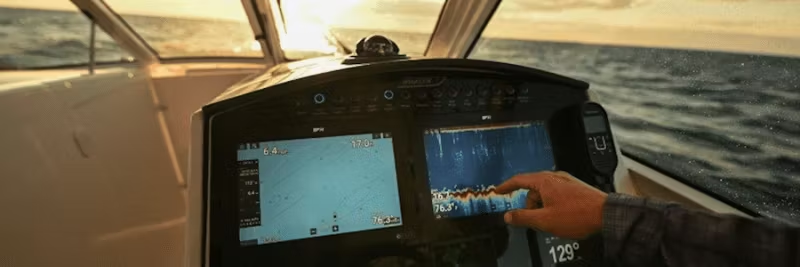
Are you having problems with the touch screen on your Raymarine plotter not working as it should? A common error is insufficient or incorrect grounding.
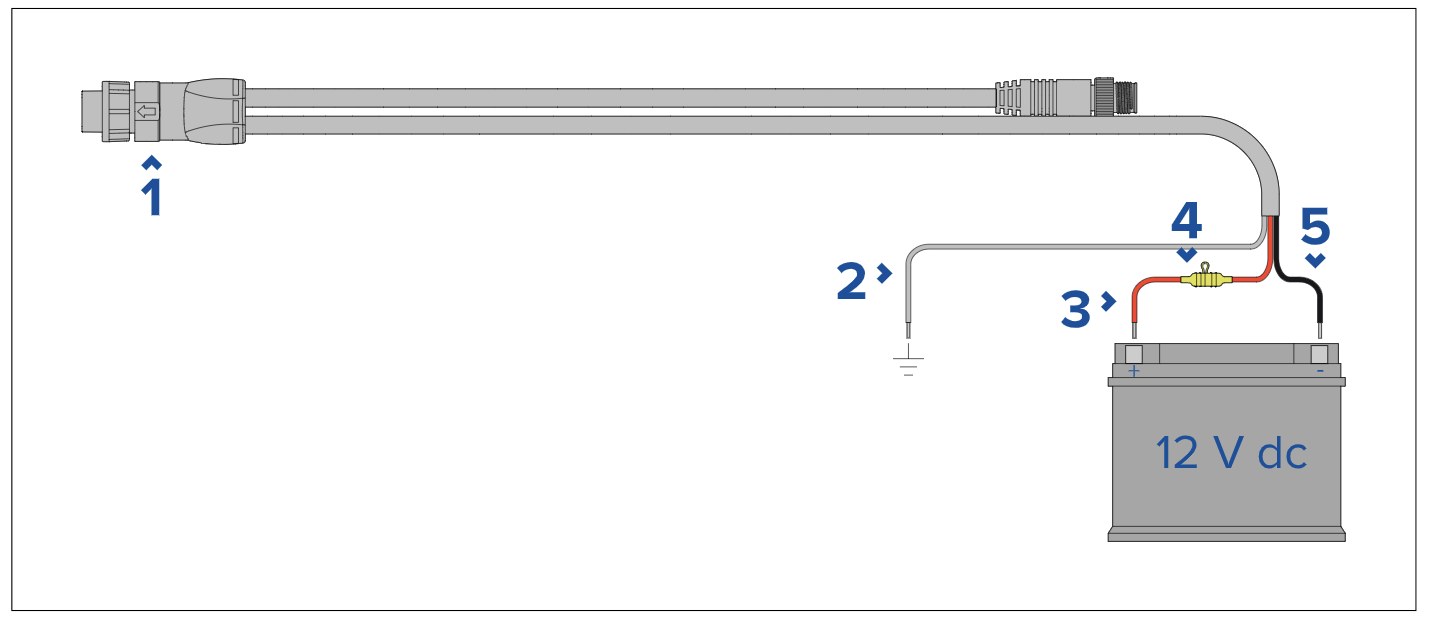
The power cable normally consists of three wires: Black (-), Red (+), and a gray or bare wire (ground wire). If the boat lacks an RF grounding point – which is common in recreational boats – the ground wire must be connected to the battery's negative terminal.
The most common error is leaving the ground wire disconnected. This can lead to limited touch functionality because the ground wire creates a low-resistance path for noise signals. Without this, the sensitive touch function deteriorates.
The power cable should be connected to a 12V DC outlet, either directly to the battery or via the electrical panel. For boats with 24V, a voltage converter is required. The product is protected against reverse polarity.