Svenska
 Dansk
Dansk
 Suomi
Suomi
 Español
 Deutsch
 Français
 Italiano
 Nederlands
 Polskie
 Norsk
Norsk
Cart
Your cart is empty, but doesn't have to be..
Discount: 0.00 EUR
Digital Skipper |6/04, 2020
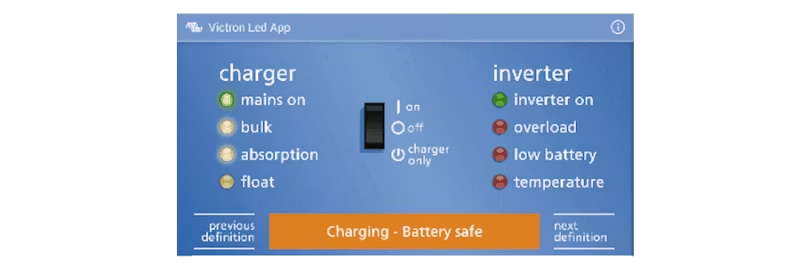
LED indicators have long been a way to show system status and operation, but interpreting flashing patterns and color combinations can be frustrating – especially when something goes wrong and stress levels are high.
With Victron Toolkit, Victron Energy has removed the guesswork. The app gives you:
The app works for several popular Victron products:
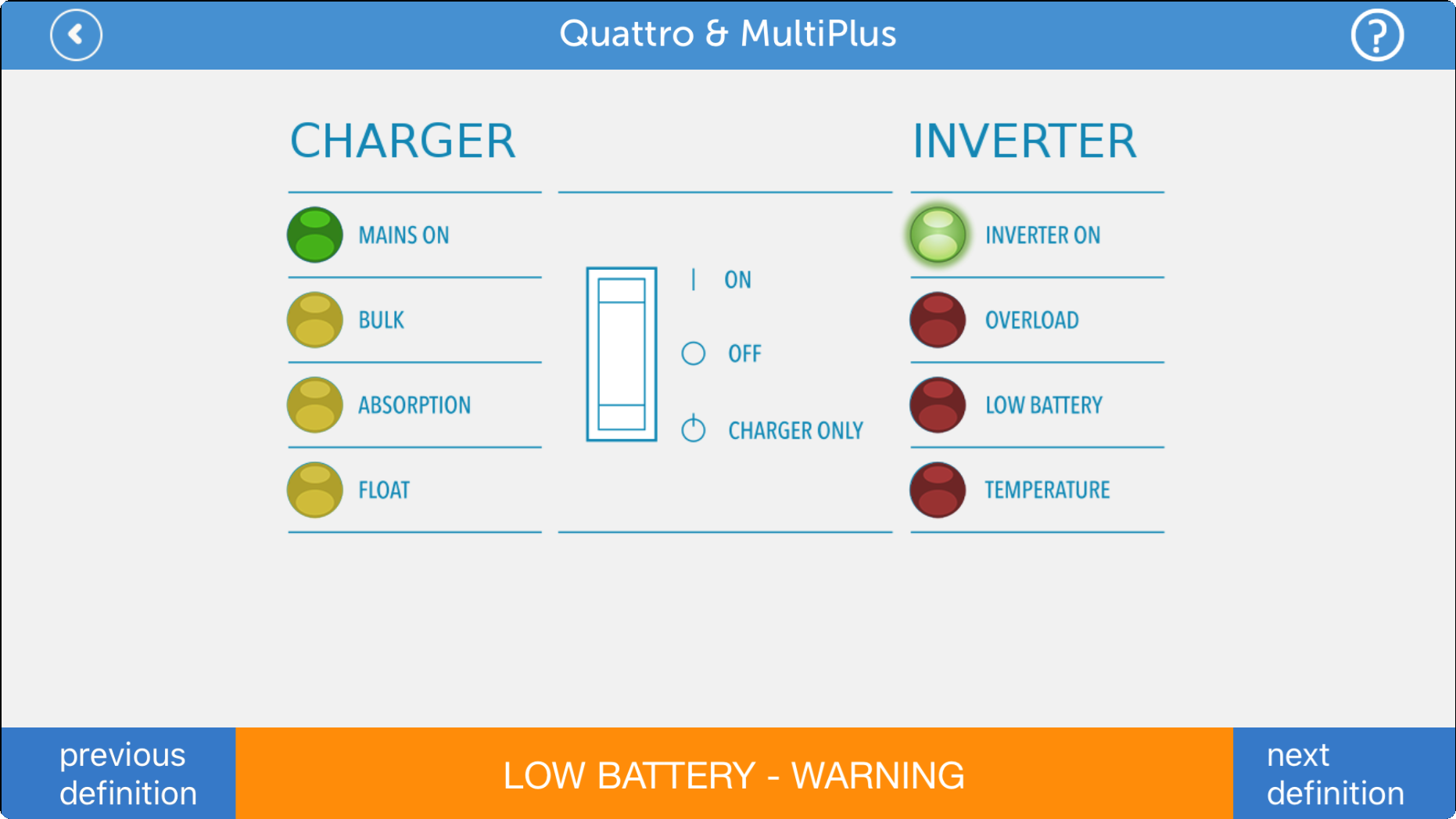
Example: This is what the LED status looks like for Quattro & MultiPlus in the app: