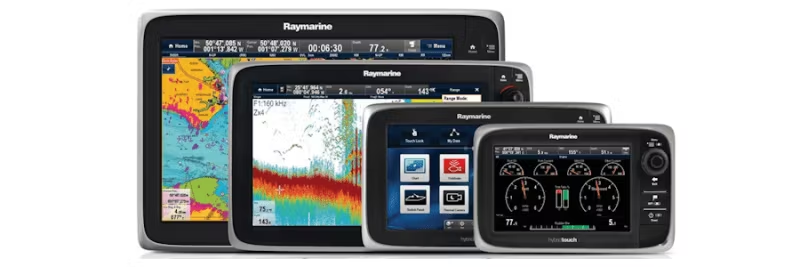
Raymarine c-, e-, and eS-series – How to save waypoints and routes before factory reset.
To avoid losing waypoints, routes, and tracks during a reset of your Raymarine c-series, e-series, or eS-series multifunction display (MFD), it is important to first back up this data to an empty µSD card. Then follow the steps below to perform a complete factory reset, which erases all existing data and reconfigures the unit.
Step-by-step: Factory reset of Raymarine MFD
- Back up data: First, save waypoints, routes, and tracks to an empty µSD card. Turn off the MFD using the power button and remove all µSD cards.
- Start reset mode: When the unit is off and the card slot is empty, hold the BACK button
- Wait for the menu: The screen will remain black for a while, then the startup logo will appear, followed by a menu. Release the BACK button.
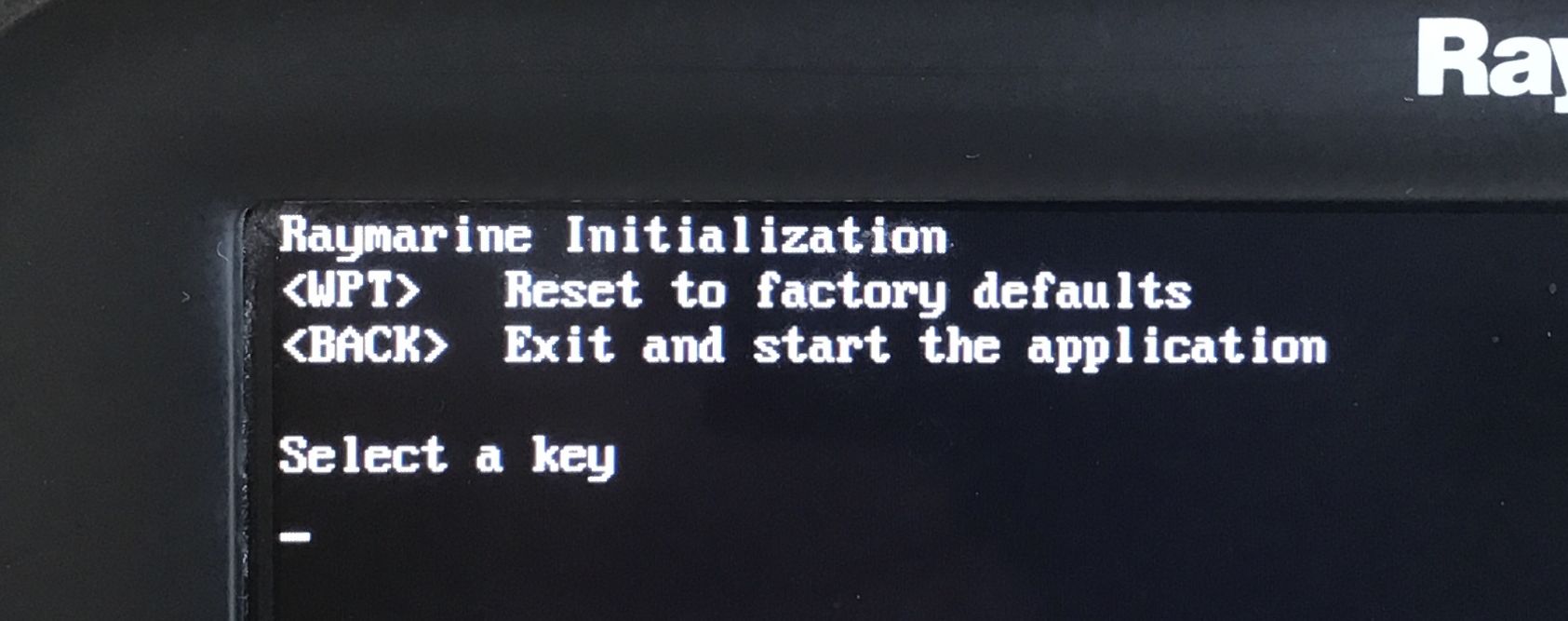
- Select reset: Select the first option Reset to factory settings and briefly press the WPT button.
- Complete the process: The reset runs and a counter goes up to 100%. When FLOB erase complete is displayed, the unit restarts automatically.

 Svenska
 Dansk
Dansk
 Suomi
Suomi
 Español
 Deutsch
 Français
 Italiano
 Nederlands
 Polskie
 Norsk
Norsk