
 Svenska
 Dansk
Dansk
 Suomi
Suomi
 Español
 Deutsch
 Français
 Italiano
 Nederlands
 Polskie
 Norsk
Norsk
Cart
Your cart is empty, but doesn't have to be..
Discount: 0.00 EUR
Matthijs, Victron Energy |13/09, 2023
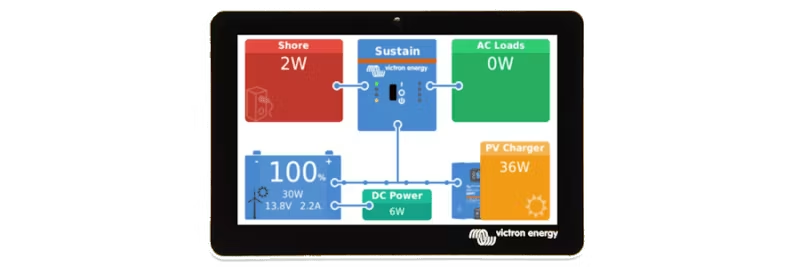
Victron Energy has released a new version of Venus OS, the software for GX monitoring devices such as Cerbo GX and the new Ekrano GX. Version 3.10 includes several exciting new features and improvements. Here are the highlights:
A brand new feature for boats, RVs, and systems with shore power connection. When the device is connected to shore power, solar and wind power are prioritized to charge the battery, while shore power is used to prevent deep discharge. The function is primarily controlled by the inverter/charger, while the GX device displays status and allows overriding the setting for full charging.
More information can be found in the document Solar and Wind Priority. An instructional video will be available soon.
Now you can configure a service interval in hours and receive automatic notifications when it's time for service.
A new setting that warns if the autostart mode has been deactivated for more than 10 minutes – preventing batteries from running empty.
GX devices are now compatible with the ComAp CM Ethernet module. Data that can be read includes:
With this setting, ESS can only use battery power for critical loads – perfect for systems with grid meters and large non-essential loads.
See the full changelog by logging in to Victron Professional and selecting Firmware → Venus OS → firmware changelog.
Installation instructions can be found in the manual for your GX device. Quick links: