
 Svenska
 Dansk
Dansk
 Suomi
Suomi
 Español
 Deutsch
 Français
 Italiano
 Nederlands
 Polskie
 Norsk
Norsk
Cart
Your cart is empty, but doesn't have to be..
Discount: 0.00 EUR
Digital Skipper |31/01, 2025
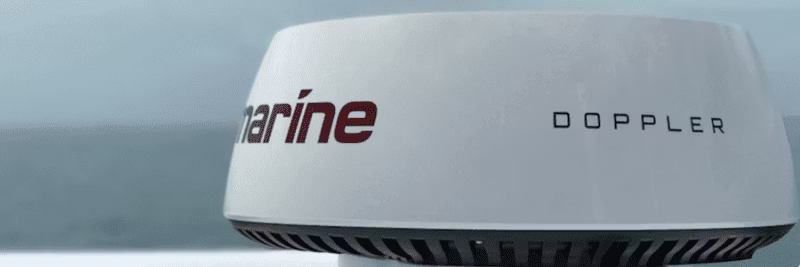
Troubleshooting Raymarine radar often involves checking power supply, wiring, and connections. In this guide, you will get practical tips for avoiding corrosion, ensuring correct installation, and using radar effectively for safe navigation.
It is recommended to inspect the power and ground wires for the radar cable to ensure:
If this is met and the problem persists despite a fully charged battery bank, it indicates that the radar may have suffered a fault.
The most common cause of radar problems is lack of sufficient power supply. Follow these steps:
If the problem persists and the installation was performed by a certified Raymarine installer, contact the installer for action.
Have you installed it yourself and the radome was purchased less than 30 days ago? Contact your retailer for replacement. If more than 30 days have passed, send the radar to Raymarine Repair for bench testing and service.
In addition to resolving problems, it is best practice to use your radar even in good weather. This provides three important benefits: