
 Svenska
 Dansk
Dansk
 Suomi
Suomi
 Español
 Deutsch
 Français
 Italiano
 Nederlands
 Polskie
 Norsk
Norsk
Cart
Your cart is empty, but doesn't have to be..
Discount: 0.00 EUR
Digital Skipper |22/02, 2026
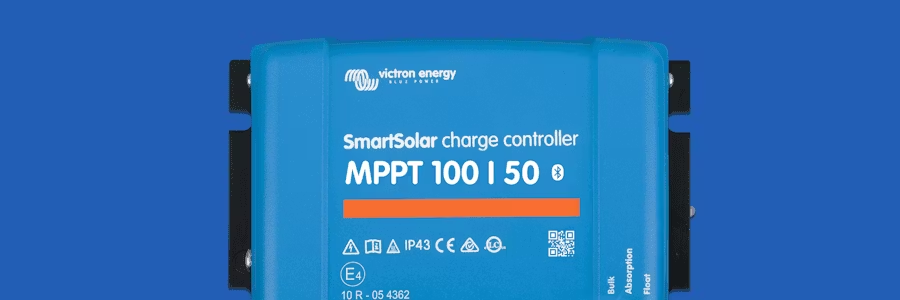
Victron continues to improve its SmartSolar and BlueSolar controllers, and the latest firmware update delivers exactly what many boat owners and off-grid users are asking for: higher reliability, better communication and smarter features.
In this article, we go through what's new in firmware v3.18 and v1.74, what it means for you – and how to easily update your controller.
This version applies to models using the v3.xx series of firmware.
A fix for communication issues with VE.Bus BMS v2 and VE.Bus BMS NG. Previously the controller could miss entering “safe mode” if the BMS was disconnected. This has now been fixed and provides a safer system response.
In summary, v3.18 makes the system more stable and secure, especially in installations where BMS communication is crucial.
This version applies to models running the v1.xx series of firmware.
Support for setting lock on models with pluggable display.
Improved reliability when starting load output.
The history menu has been removed from the pluggable display to simplify the user interface.
Version 1.74 makes the controllers more robust and provides better control in systems where multiple users manage the equipment.
For those who want to read all the details, the full changelog is available in Victron's firmware library on Victron Professional. There you will find both the v1.xx series and the v3.xx series.
Which firmware to use depends on the model, not the installation type. It is not possible to install the wrong firmware – the controller simply will not accept a version that is not intended for it.
The recommended method is to use VRM Remote Firmware Update. VRM will automatically select the correct firmware and guide you through the process.
You have two options:
A. Wait for the update to appear in VictronConnect. It usually takes a few weeks for it to be rolled out.
B. Download firmware manually
Visit the firmware library at Victron Professional.
Download the correct file.
Use VictronConnect's “self-supplied file update” feature.
For more information, see the firmware updates section of the SmartSolar manual.
Although v3.18 and v1.74 do not introduce new features, they are important for anyone who wants:
more stable operation
better communication
fewer sources of error
safer system response
For boat owners, installers and off-grid users, this is an update that is simply worth making.