
 Svenska
 Dansk
Dansk
 Suomi
Suomi
 Español
 Deutsch
 Français
 Italiano
 Nederlands
 Polskie
 Norsk
Norsk
Cart
Your cart is empty, but doesn't have to be..
Discount: 0.00 EUR
Digital Skipper |26/04, 2024

This process applies only to Raymarine RAY90 and RAY91 with software v1.60 or later. Follow the steps below to program your MMSI number. Note that this process can be accessed after the Start-up Wizard.
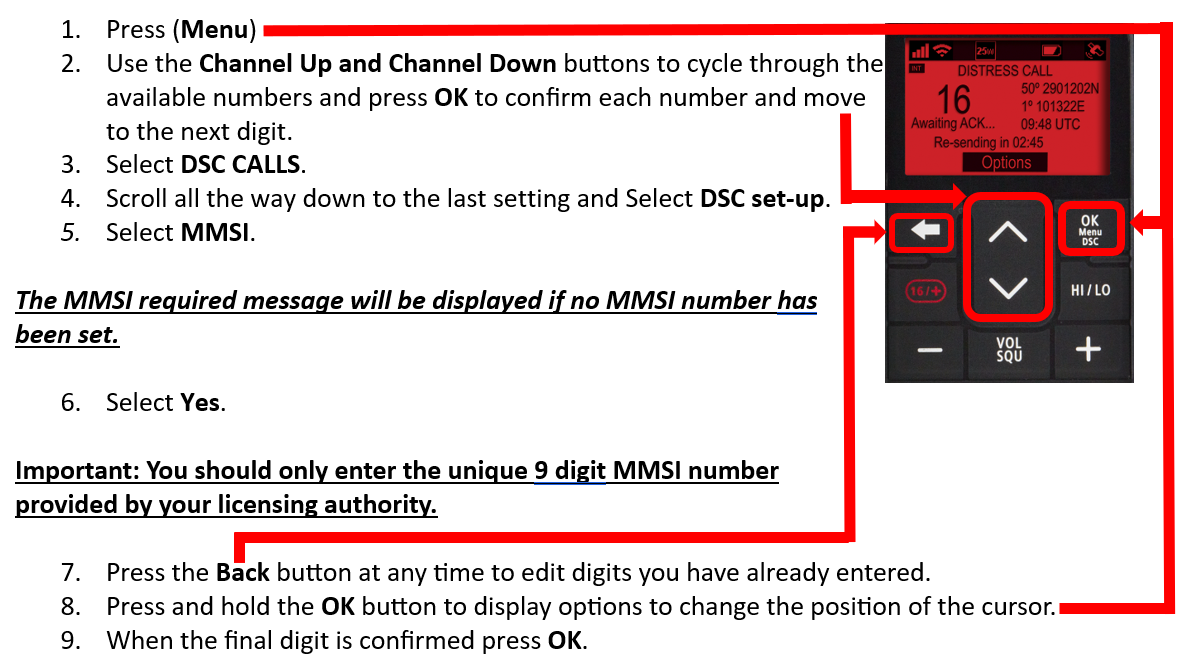
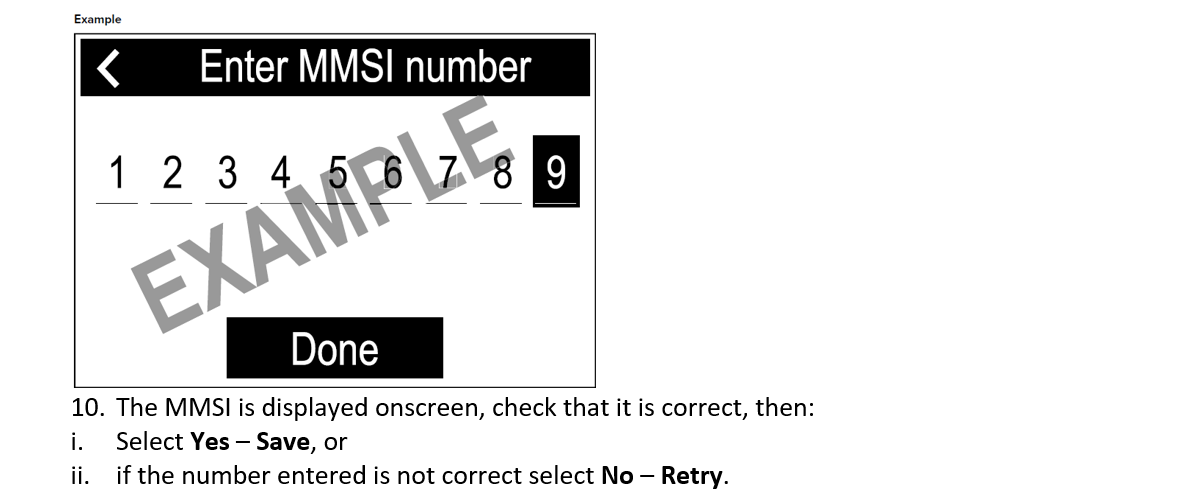

This guide applies to software v1.60. Future versions may change the interface. For the latest manual, visit: Raymarine RAY90 & RAY91 manuals.