
 Svenska
 Dansk
Dansk
 Suomi
Suomi
 Español
 Deutsch
 Français
 Italiano
 Nederlands
 Polskie
 Norsk
Norsk
Cart
Your cart is empty, but doesn't have to be..
Discount: 0.00 PLN
Digital Skipper |4/12, 2024

In today's connected world, the term IP address is constantly present. But what exactly is an IP address? IP stands for Internet Protocol and is the unique label assigned to each device in a network for communication. Here we go through the two main types: dynamic and static IP addresses, their characteristics, advantages, and applications.
In home networks, IPv4 addresses, a 32-bit numerical label, are most commonly used. You probably recognize the format 192.168.x.x – it is the standard range for DHCP (Dynamic Host Configuration Protocol) addresses. Have you noticed that IP addresses sometimes change? This is because they are dynamic.
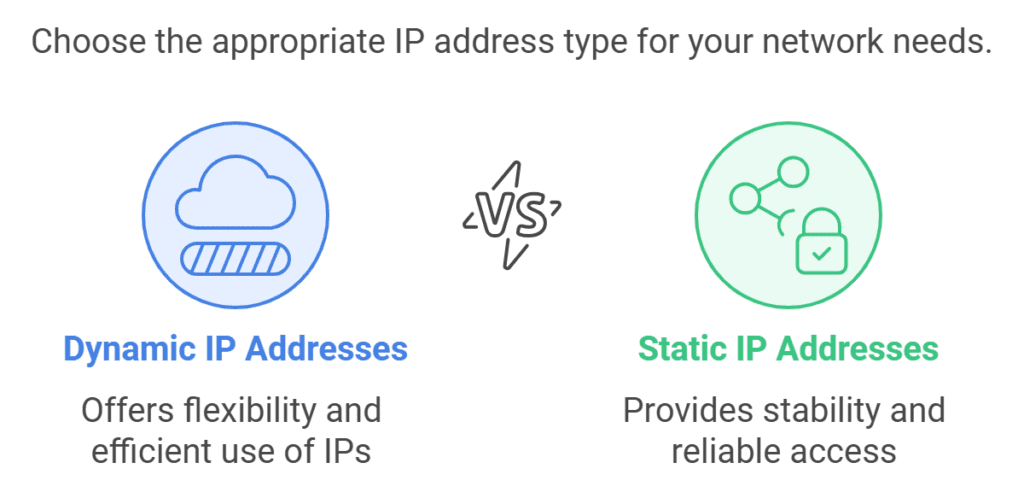
A dynamic IP address can change over time. Modern routers are usually on 24/7, which means addresses rarely change. However, if you restart the router, devices may get new addresses. This is handled automatically by DHCP, making dynamic IP addresses ideal for home networks – no manual configuration is required.
Do you need a fixed address for security or remote access? Then a static IP address is the solution. It is permanent and does not change upon restart. Perfect for:
Static IP is often used in commercial networks and marine systems to provide specific devices with access and increase security.
Configuring static IP addresses requires knowledge. Incorrect settings can make devices inaccessible. Some systems require static addresses to be set via the router, while other devices allow configuration directly in the device. Example: PRO-NDC-1E2K overrides DHCP if a static IP is specified.
For most users, dynamic IP addresses via DHCP are perfectly sufficient. Static IP is best for advanced needs such as remote access and security control – but make sure to document the address and understand the configuration.